
Sitting at a desk for prolonged periods can take a toll on your body, especially if you’re not mindful of your posture. The way you set up your desk can greatly impact your posture and overall comfort while working. By making a few simple adjustments to your workspace, you can help alleviate strain on your body and promote better posture. Here are some tips on how to set up your desk for better posture:
Ergonomic Chair:
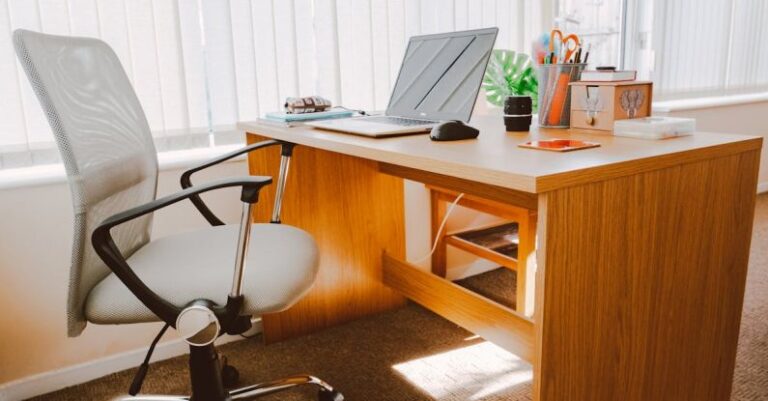
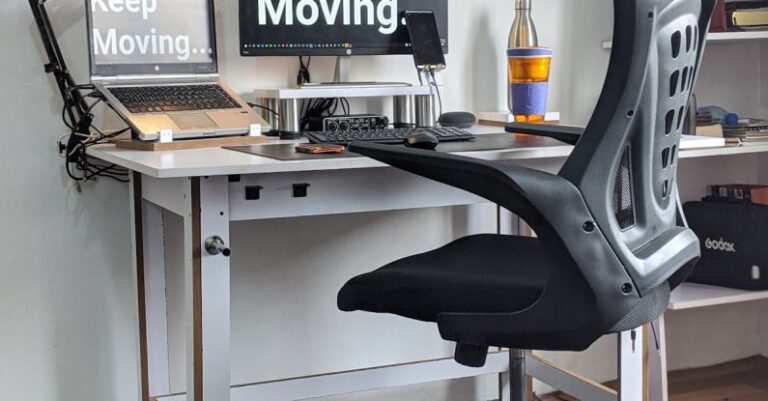
Investing in an ergonomic chair is a crucial step in setting up your desk for better posture. Your chair should support the natural curve of your spine and provide adequate lumbar support. Adjust the chair height so that your feet are flat on the floor and your knees are at a 90-degree angle. This will help reduce strain on your lower back and promote proper alignment.
Monitor Placement:
The position of your monitor plays a significant role in maintaining good posture. Position your monitor at eye level, directly in front of you. Avoid tilting your head up or down to view the screen, as this can strain your neck and shoulders. If necessary, use a monitor stand to raise the screen to the appropriate height. Additionally, make sure the screen is an arm’s length away from you to reduce eye strain.
Keyboard and Mouse Placement:
Position your keyboard and mouse so that your elbows are at a 90-degree angle and your wrists are in a neutral position. Avoid reaching too far forward to use your keyboard or mouse, as this can strain your shoulders and wrists. Consider using a keyboard tray to adjust the height and angle of your keyboard for optimal comfort. Keep your mouse close to the keyboard to minimize reaching.
Desk Setup:
Organize your desk to promote good posture and productivity. Keep frequently used items within arm’s reach to prevent unnecessary stretching or twisting. Use a document holder to prop up papers or reference materials at eye level to reduce strain on your neck. Keep your desk clutter-free to create a clean and organized workspace that promotes focus and efficiency.
Take Breaks:
No matter how well your desk is set up, it’s essential to take regular breaks to stretch and move throughout the day. Set a timer to remind yourself to stand up, stretch, and walk around every hour. Incorporate simple stretches like shoulder rolls, neck stretches, and back twists to relieve tension and improve circulation. Taking short breaks can help prevent stiffness and fatigue, allowing you to maintain better posture throughout the day.
Lighting:
Proper lighting is essential for reducing eye strain and maintaining good posture. Position your desk lamp so that it illuminates your workspace without causing glare on your computer screen. Natural light is ideal, so if possible, position your desk near a window to benefit from natural daylight. Adjust the brightness and color temperature of your computer screen to reduce eye strain and enhance visual comfort.
Healthy Habits:
In addition to setting up your desk for better posture, incorporating healthy habits into your daily routine can further support your overall well-being. Stay hydrated by keeping a water bottle at your desk and taking regular sips throughout the day. Practice good posture not only at your desk but also when standing, walking, and sitting elsewhere. Engage in regular physical activity to strengthen your muscles and improve flexibility, which can help prevent posture-related issues.
By implementing these tips and setting up your desk ergonomically, you can create a workspace that promotes better posture and reduces the risk of discomfort and strain. Remember that maintaining good posture is a continuous effort that requires mindfulness and regular adjustments. Prioritize your health and well-being by optimizing your desk setup for improved posture and overall comfort.